 Screencast Lesson (Getting Around)
How this screencast lesson works
You are new to the Learning Center — and you are in the right place. In this lesson we take a tour of Tutilis, the financial planning product sitting next to the lesson text: usually to the right on a desktop-width screen, or below when the layout is stacked (tablet or a narrower window). That surface is the live planThe running Tutilis product next to this lesson — navigation, Bird's Eye, Forecaster, tools, and more — loaded with a teaching sample. A dossier is the plan data; the live plan is the full product surface with a sample dossier already open so you can explore. On the web, teaching samples are not editable the way your own dossier will be in the full app.Full entry → — the real app with a teaching sample open. Prefer reading? Reading Lesson (Getting Around).
Watch the video on this page. When it invites you to pause, try the same move on the live planThe running Tutilis product next to this lesson — navigation, Bird's Eye, Forecaster, tools, and more — loaded with a teaching sample. A dossier is the plan data; the live plan is the full product surface with a sample dossier already open so you can explore. On the web, teaching samples are not editable the way your own dossier will be in the full app.Full entry → next to the video (to the right on a desktop-width screen, or below when stacked on a tablet), then resume. Pause points live in the screencast itself — you do not need a separate checklist under the player. Short loops of watch → try → resume are the point; explore dossierYour full plan in Tutilis: the people in the household, what they own and owe, cash flows in and out, tax setting, and planning assumptions. One dossier is one complete situation as the product models it.Full entry → / Bird's EyeA compact map of the household: people, balance sheet, and cash-flow modes. Away from Dossier it opens as a modal from the top toolbar; on Dossier the same overview is already on the page.Full entry → / ForecasterWhere you run and inspect projections — simulation summary and year-by-year detail for the plan currently open.Full entry → when the video does.
This page — Screencast Lesson (Getting Around) — loads a live sample planThe running Tutilis product next to this lesson — navigation, Bird's Eye, Forecaster, tools, and more — loaded with a teaching sample. A dossier is the plan data; the live plan is the full product surface with a sample dossier already open so you can explore. On the web, teaching samples are not editable the way your own dossier will be in the full app.Full entry → next to the video so you can practice without leaving this page.
The live planThe running Tutilis product next to this lesson — navigation, Bird's Eye, Forecaster, tools, and more — loaded with a teaching sample. A dossier is the plan data; the live plan is the full product surface with a sample dossier already open so you can explore. On the web, teaching samples are not editable the way your own dossier will be in the full app.Full entry → next to this page — usually to the right on a wide screen, or below on a tablet — is Tutilis running a teaching sample: the same financial planning product available as a desktop application (early preview). A dossierYour full plan in Tutilis: the people in the household, what they own and owe, cash flows in and out, tax setting, and planning assumptions. One dossier is one complete situation as the product models it.Full entry → is the plan data; the live plan is the full product (navigation, Bird's Eye, Forecaster, tools) with a sample dossier already open so you can try the panels. See planned pricing. On the web, Learning Center samples are not editable the way your own dossier will be in the full app. Your own household goes in the Tutilis desktop app — the Learning Center front page has a short clip of that.
This is the video twin of Reading Lesson (Getting Around). Watch here; practice the same moves on the live planThe running Tutilis product next to this lesson — navigation, Bird's Eye, Forecaster, tools, and more — loaded with a teaching sample. A dossier is the plan data; the live plan is the full product surface with a sample dossier already open so you can explore. On the web, teaching samples are not editable the way your own dossier will be in the full app.Full entry → next to this lesson (Springfield — the same teaching household as the reading tour). It is a getting started video tutorial for Tutilis.
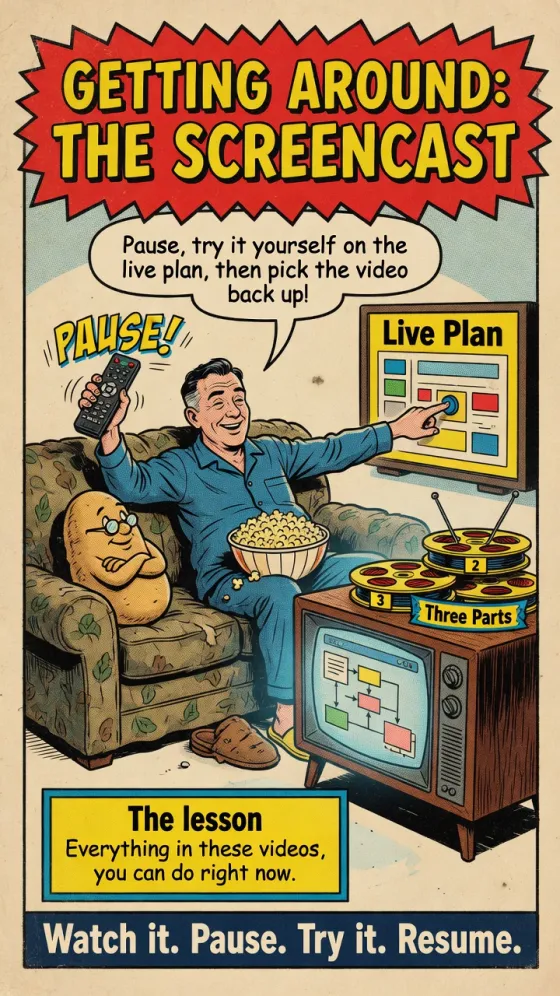
The tour runs in three parts. They are meant to be watched in order, but each one stands on its own, so you can stop after any of them and come back.
Everything in these videos, you can do right now. The live planThe running Tutilis product next to this lesson — navigation, Bird's Eye, Forecaster, tools, and more — loaded with a teaching sample. A dossier is the plan data; the live plan is the full product surface with a sample dossier already open so you can explore. On the web, teaching samples are not editable the way your own dossier will be in the full app.Full entry → beside this lesson is the same product, on the same household, as the one on screen — every panel, chip, slider, and dialog you are about to watch me open is there and working. Nothing here is a mock-up or a recording standing in for the real thing.
So please do not just watch. Pause whenever something looks interesting, do it yourself on the right, and then pick the video back up. Nothing you try can damage anything: the teaching dossier is read-only, and what-ifs in Transforms are a temporary comparison rather than a saved change.
Part 1 — Lay of the land
The two panes, what a dossierYour full plan in Tutilis: the people in the household, what they own and owe, cash flows in and out, tax setting, and planning assumptions. One dossier is one complete situation as the product models it.Full entry → is, and the six areas on the rail.
Part 2 — Common Features
Themes, quiet tooltips, copying anything, help in place — and Bird's Eye, the overview that follows you around.
Part 3 — Forecaster
Forecast Detail and Simulation Summary, the two sliders, and how to open up a bad outcome and see what happened in it.
When a video says to pause, try that step on the live plan, then resume. Pause points are built into the screencasts so you do not need a separate checklist on this page. You are not graded — the goal is comfort moving around a real plan.
Prefer to read?
- Reading Lesson (Getting Around) — written tour (same orientation)
- Meet the Springfield household — full household story
- Risk and return — risk chart vocabulary
Rebuild this plan by hand
The cards on the canvas show the accounts and cash flows. These are the settings that live outside any card, read from the plan itself, with the label each control carries in the app. A value marked default is one to leave alone.
| Setting | Springfield Baseline |
|---|---|
| Household | |
| Planning region | United States (default) |
| Homer (Primary) | |
| birth year | 1976 |
| retirement age | 65 |
| death age | 90 |
| Marge (Secondary) | |
| birth year | 1978 |
| retirement age | 67 |
| death age | 92 |
| Taxes | |
| Tax regime | United States |
| Filing status | Married, filing jointly |
| State of residence | Ohio |
| First-year federal estimate | — |
| First-year state estimate | — |
| Strategy | |
| Residual withdrawal strategy | Pro-rata (default) |
| Roth conversions | Off |
| Definition of success | Liquidity crises allowed (default) |
| Glide path target | None (default) |
| Advanced | |
| Reporting inflation | Assumption set's rate (default) |
| Cost of capital | Assumption set's rate (default) |
| Growth assumptions | Growth overrides (default) |
| Currencies | Multiple currencies (default) |
| Default currency | USD (default) |
| Display currency | USD (default) |

Educational content — not advice. These lessons teach how Tutilis models a plan and how to read what it shows. The households, balances, and outcomes in them are invented for teaching. Nothing here is financial, investment, tax, or legal advice, or a recommendation to buy, sell, or hold anything. A model cannot know your circumstances — check anything you take from a lesson against your own situation, and against a qualified professional where it matters.